RestoRoulette

RestoRoulette/Features/Invites by code and QR

Bring everyone in with one code

Each group gets a short code. Share it in the group chat, send the link, or show the QR code across the table.

One click, no account, no download. The restaurants and people are made up, and your changes stay in your browser.

Invites by code and QRrestoroulette.techma.ai
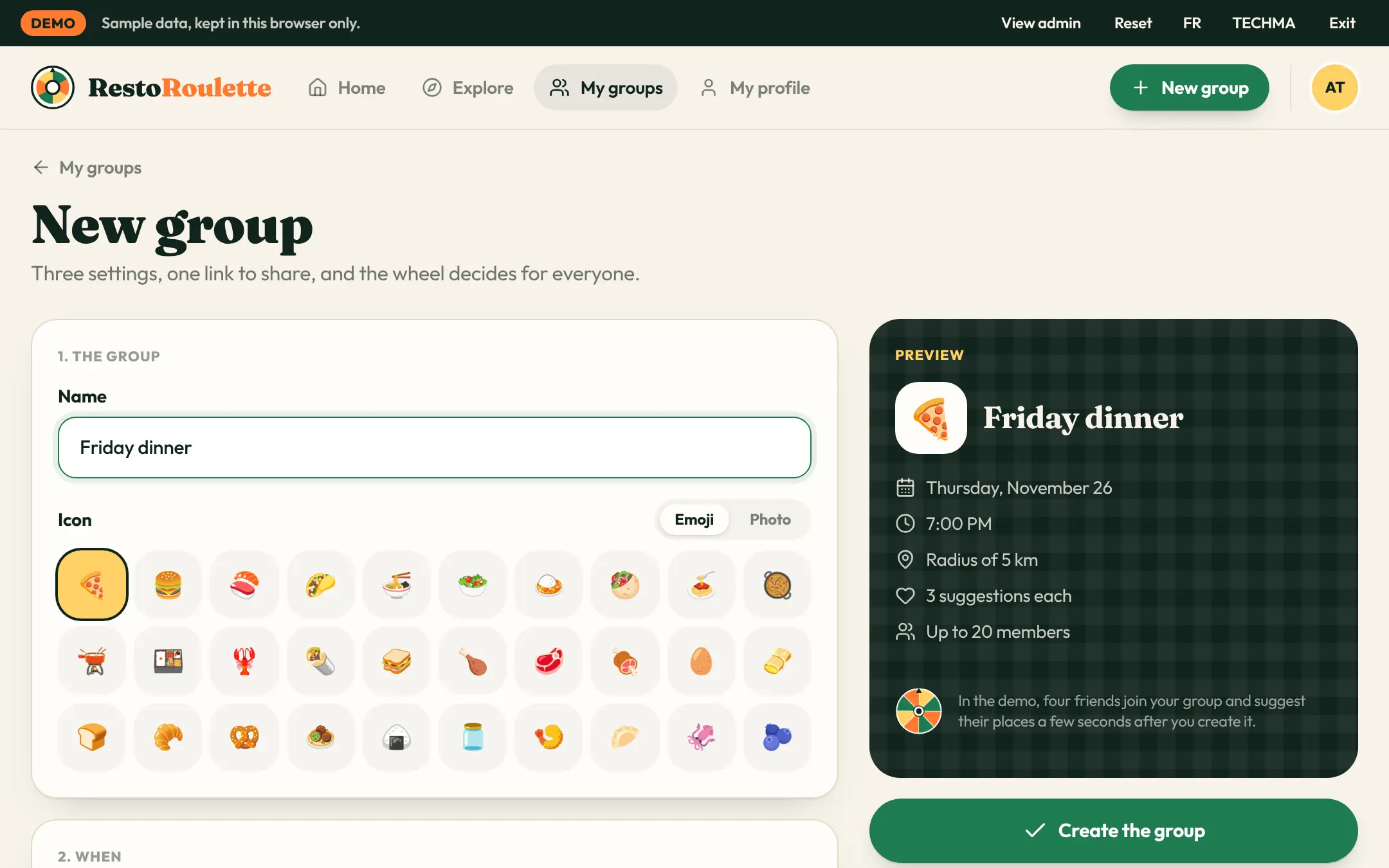
RestoRoulette group creation with the name, date and rules and a live preview of the group card

Three ways to join

  • The code. Eight characters to type in 'Join' on the groups page.
  • The link. It opens the app and adds the person to the group.
  • The QR code. One scan, for when everyone is already in the same room.

A friend without the app yet

Someone who opens an invite link before they have an account is taken to sign in first, then lands in the group. In the demo, they enter the demo and join right after.

Simulated friends in the demo

When you create a group in the demo, four made-up friends join and suggest their places within a few seconds, so you can see a full group and spin without waiting for anyone.

Questions

Asked before the first spin

Is there a code to try?

Yes. On the groups page of the demo, choose 'Join' and type TACOS24 to join the 'Fourth-floor neighbours' group.

Can a group be full?

Yes, if its admin sets a maximum number of members. Otherwise it is unlimited.

Live demo

Stop debating. Spin.

RestoRoulette is a working app, not a mock-up. Open a group, suggest two places, watch four friends join, then spin the wheel and see where you're eating.